Save any job posting in one click
Found a job on another site? The Save to Career Agent extension for Chrome adds it to your jobs. There you see how it fits and get a résumé for it in one tap.
How to use it
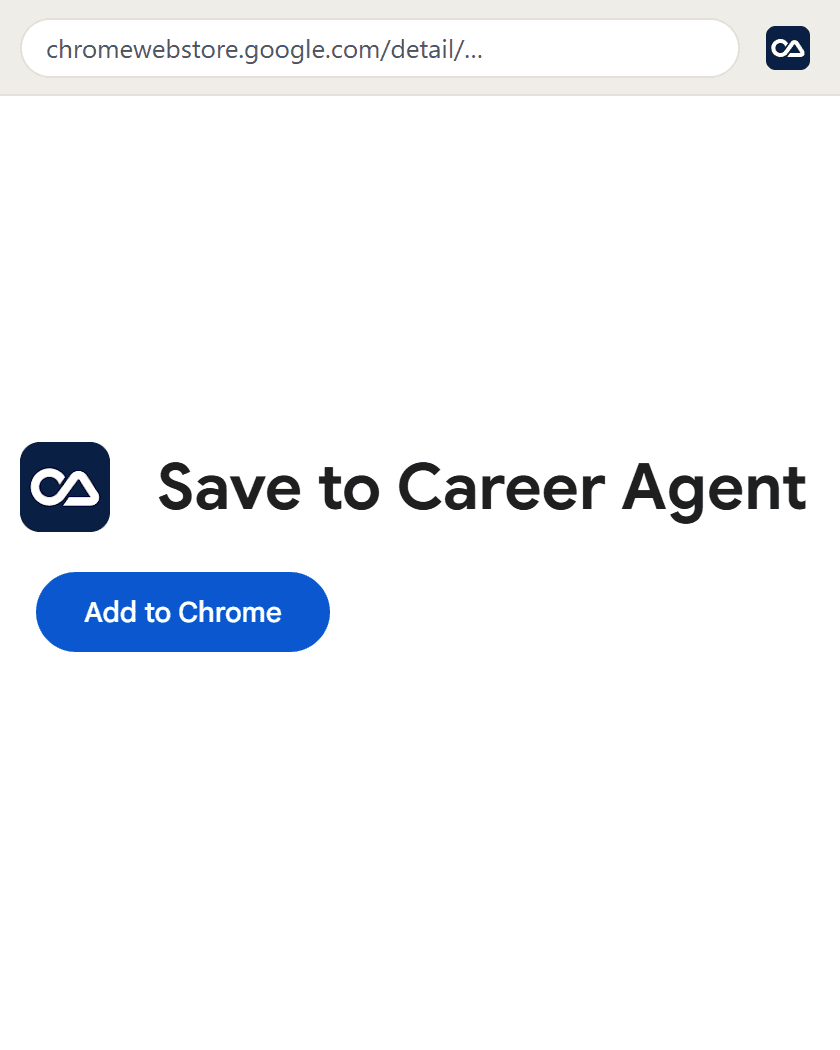
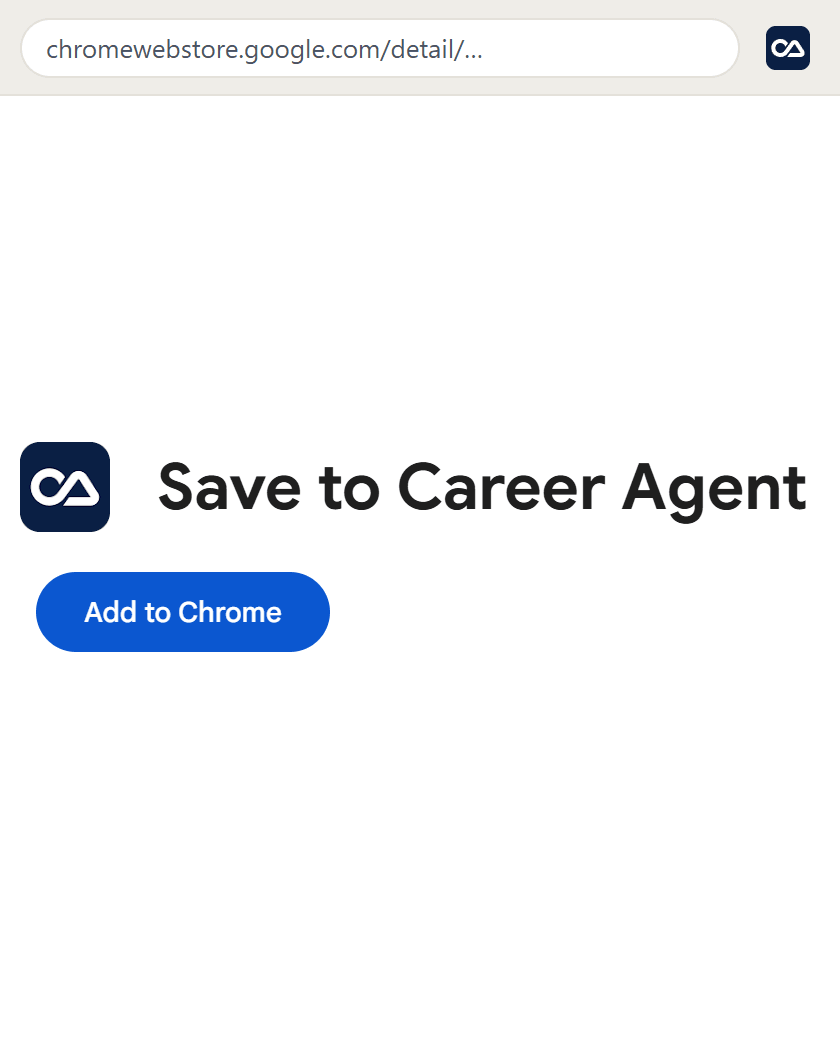
Add it to Chrome
Open the extension's page in the Chrome Web Store and press Add to Chrome. Pin it to keep its icon beside the address bar.
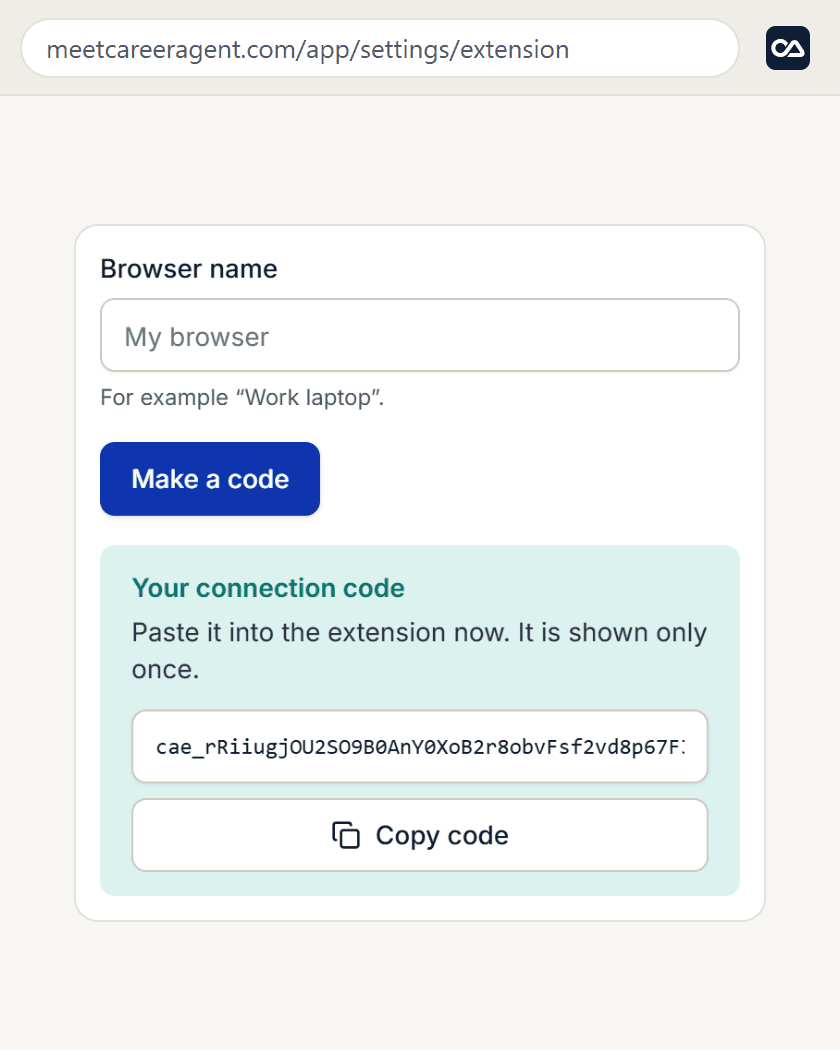
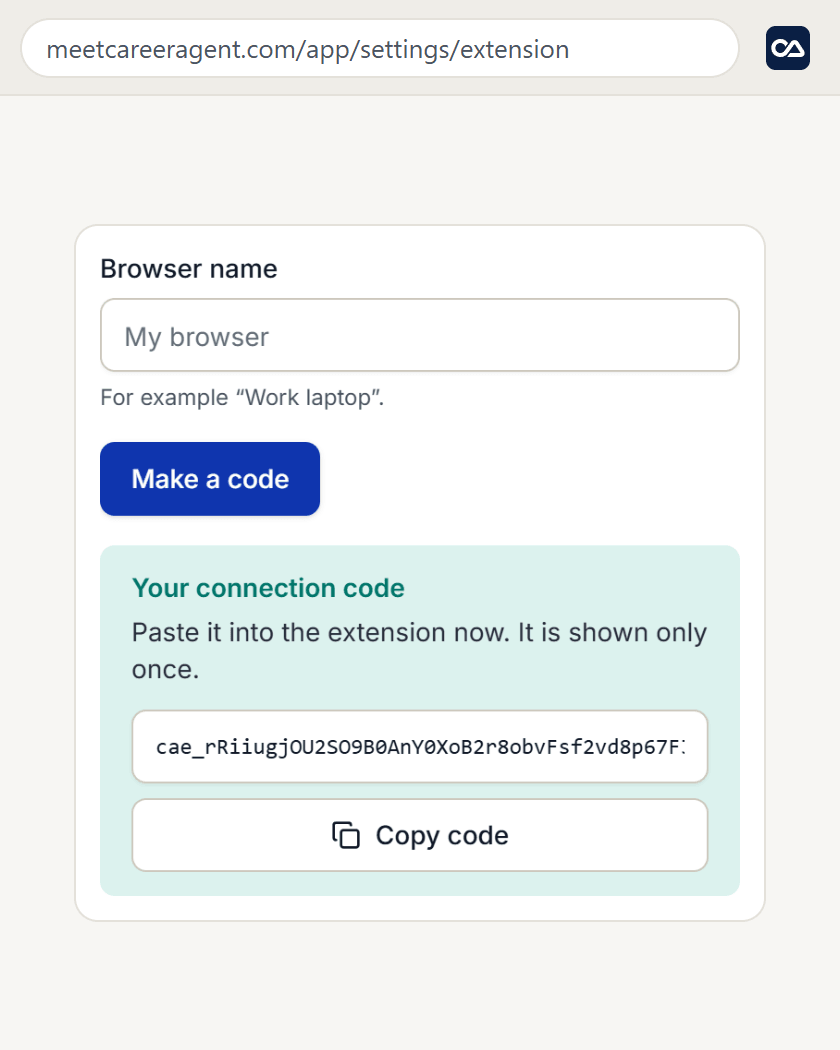
Make a connection code
In Career Agent, open Settings, then Browser extension, and press Make a code. Copy the code.
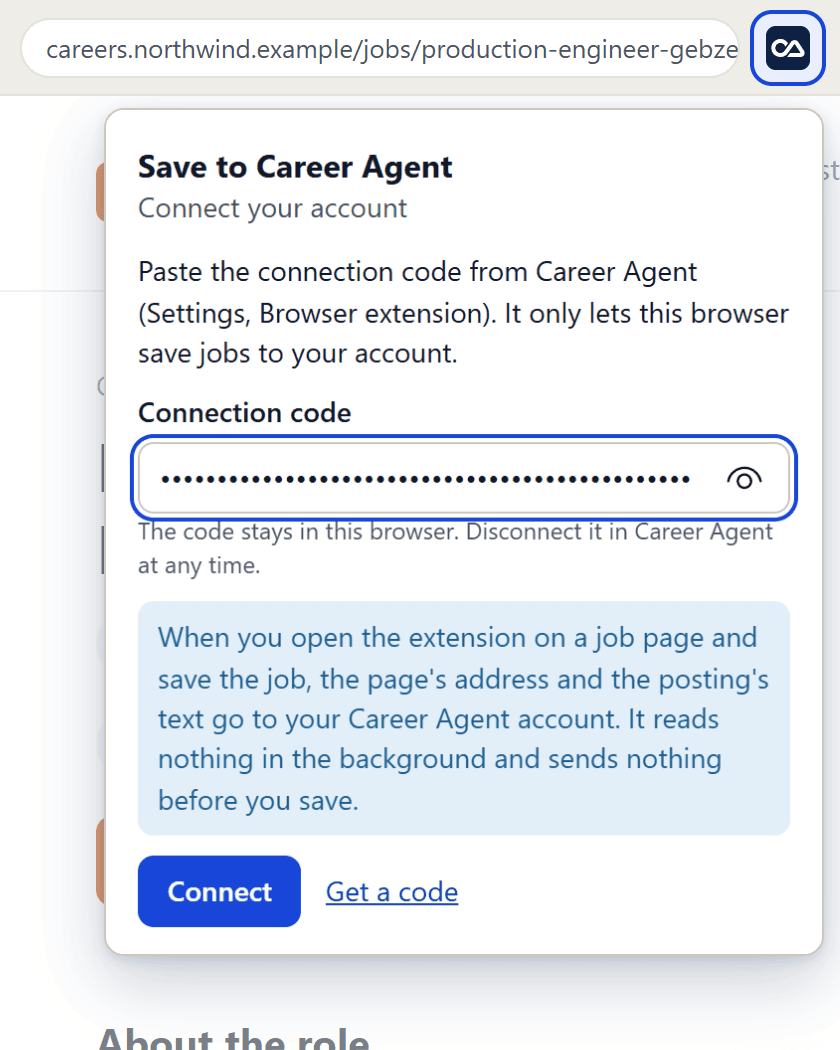
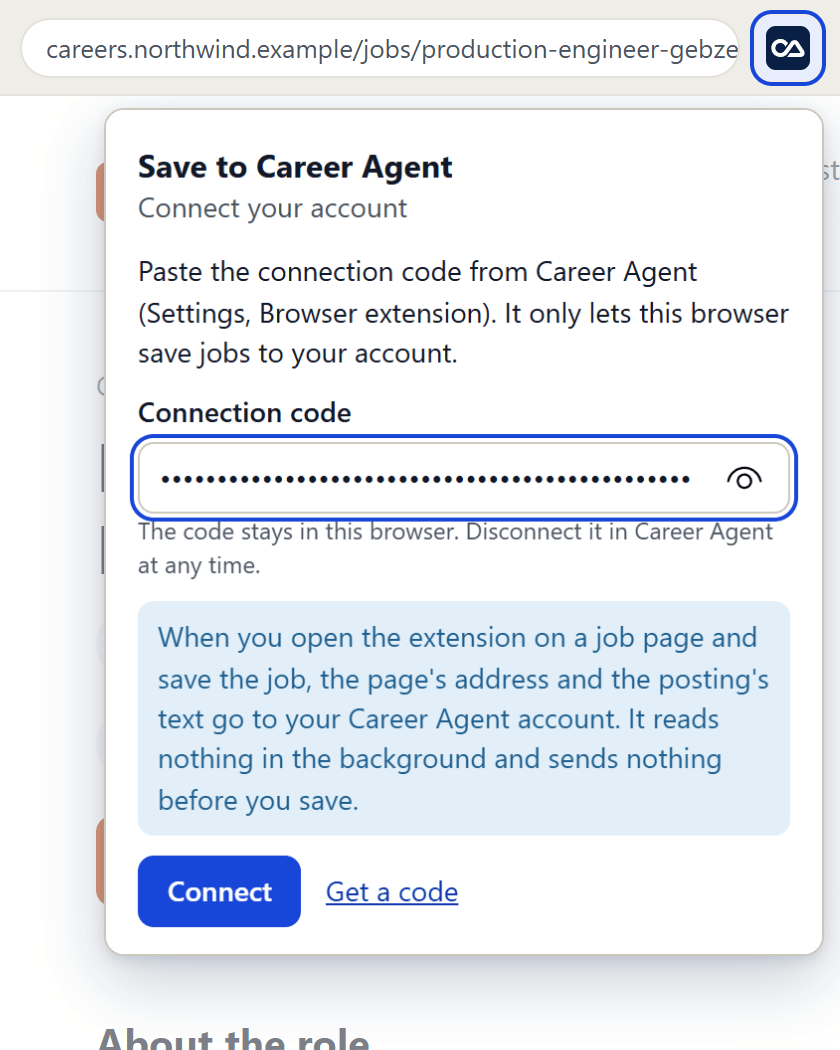
Sample data Paste the code into the extension
Click the extension's icon, paste the code and press Connect. You do this once in each browser.
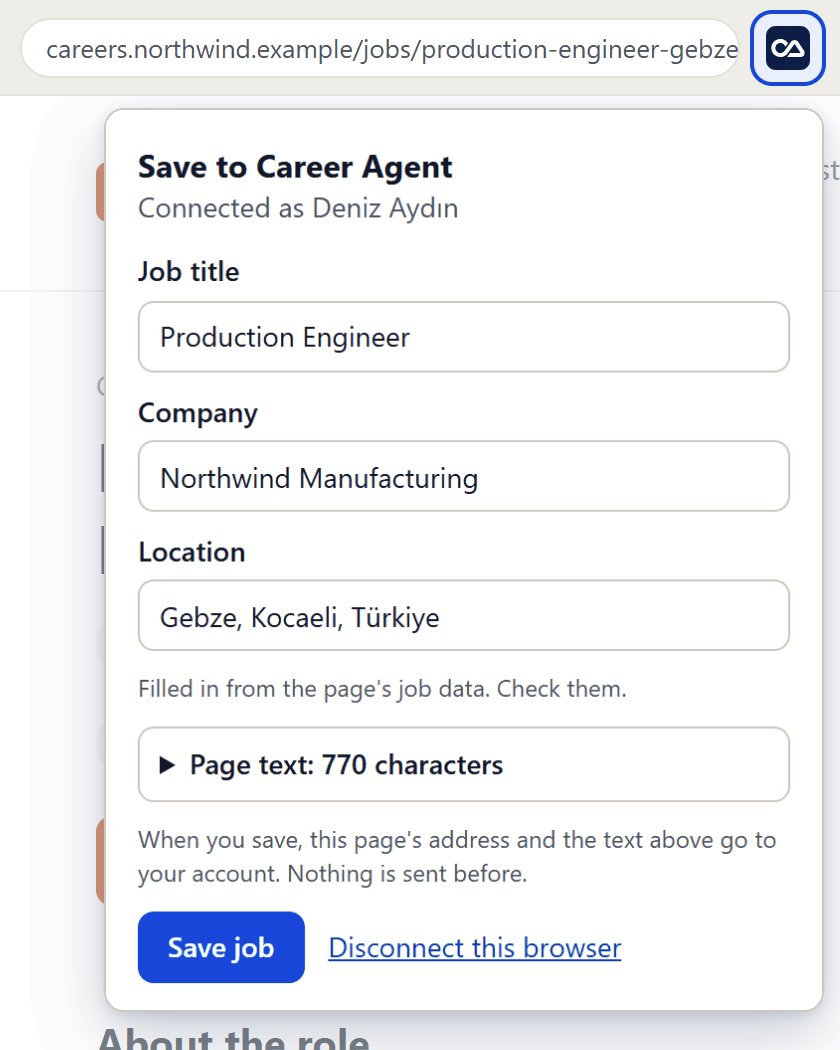
Sample data Save a job posting
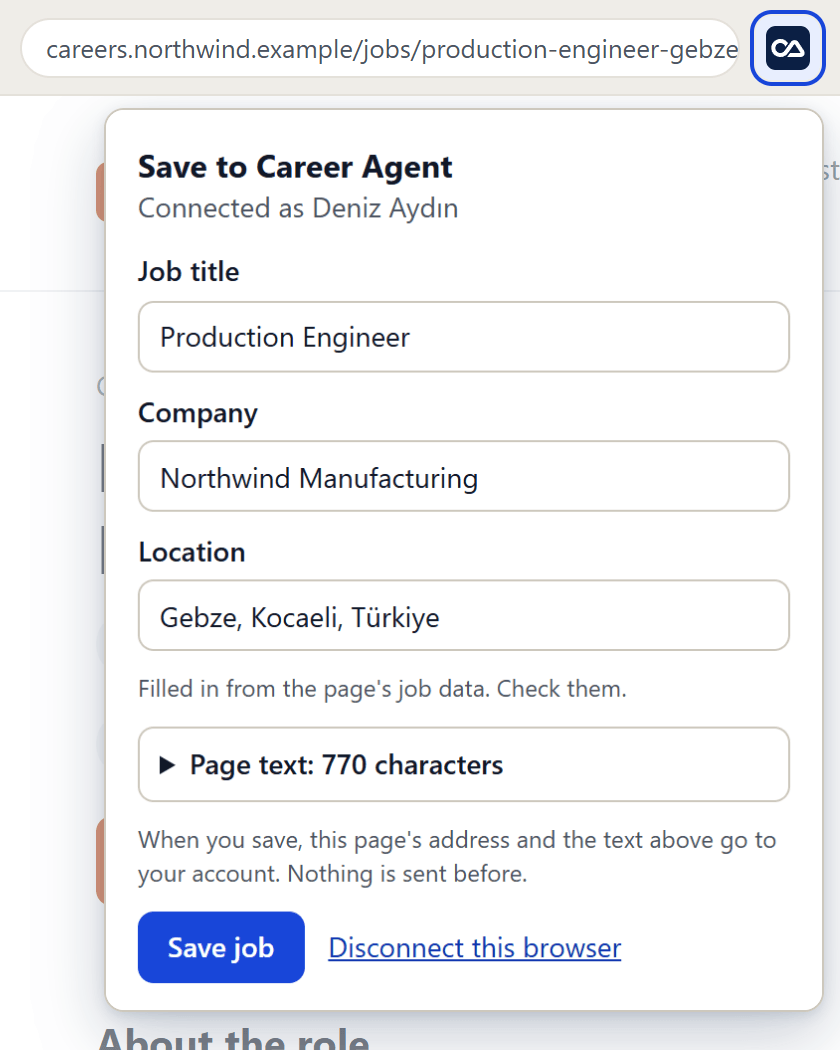
On any job posting, click the extension's icon. Check the title, company and place, then press Save job.
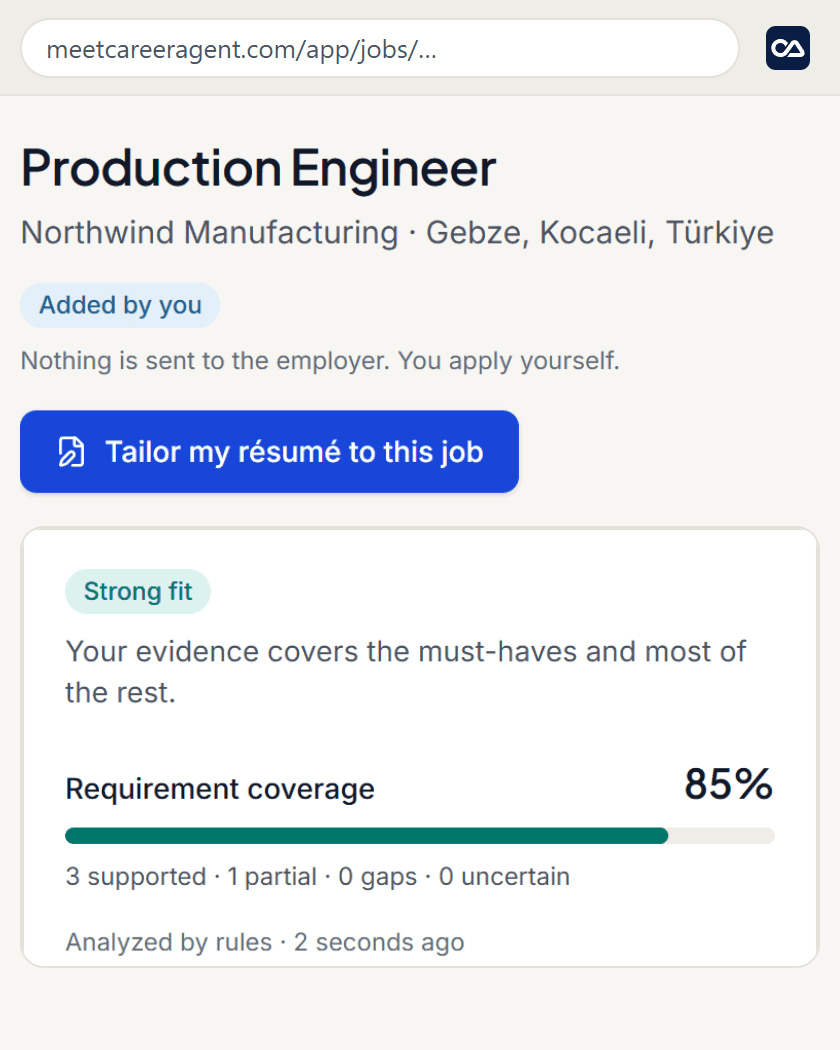
Sample data See the fit and tailor your résumé
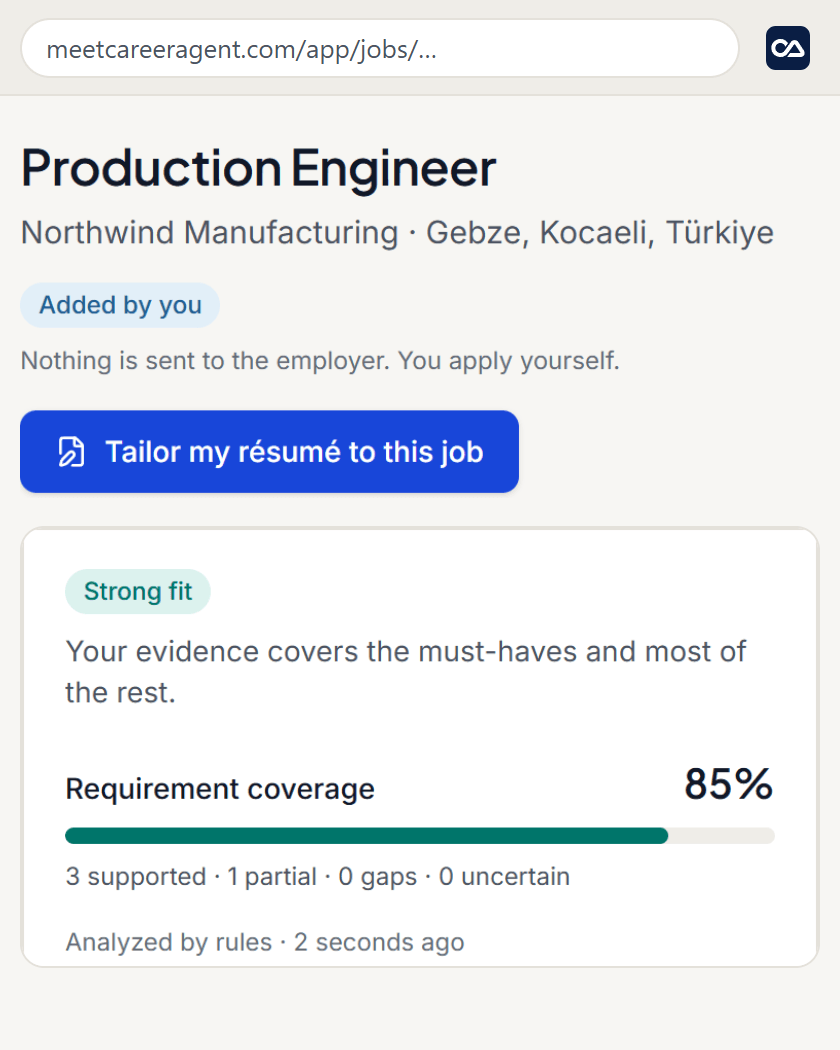
The posting appears in your jobs. Open it to see how it fits your experience, and get a résumé for it in one tap.
Sample data
What it reads and sends
It reads only the page you open it on, at the moment you open it. Nothing runs in the background and no other tab is read.
It sends nothing before you press Save. Then it sends the page's address, the title, company and place you confirmed, and the posting's text.
On LinkedIn only a job's own page or its panel in the job list can be saved. Profiles, the feed and messages never can.
It never applies for you and never contacts an employer.